
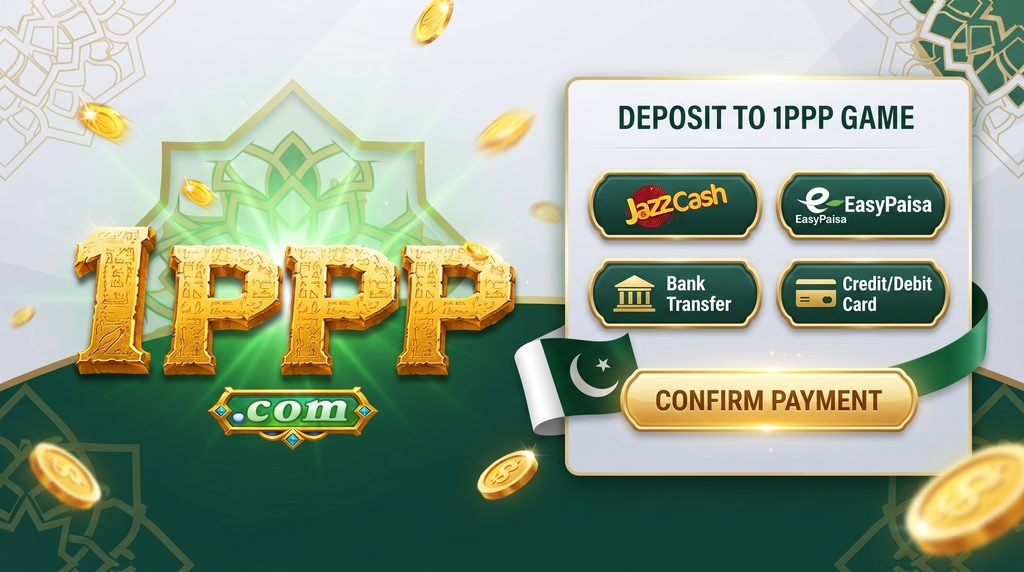
The 1PPP Game deposit process allows eligible users to add funds to their account through the payment methods supported by the platform. The exact payment options, limits, processing times, and requirements can change depending on the platform and the user’s location.
Before making a deposit, users should check the current payment information displayed inside their account and confirm that the selected method is officially supported.
How to Deposit on 1PPP Game APK?
Step 1: Log in to Your Account
First, open the official 1PPP Game platform and log in using your registered account details. Make sure you are using the correct account before opening the payment section.
Step 2: Open the Wallet
After logging in, look for Wallet, Deposit, Add Funds, or a similar option. Tap the relevant button to view the available deposit methods.
Step 3: Select a Payment Method
Choose one of the payment methods currently available to you. Depending on the platform and location, different payment services may be displayed.
Always use payment information provided inside the official platform. Do not send money to a personal account simply because someone contacts you through WhatsApp, Facebook, Telegram, or another social platform.
Step 4: Enter the Deposit Amount
Enter the amount you want to deposit. Before confirming, check the minimum and maximum limits shown on the payment page.
Users should also review any transaction charges or additional conditions. Only deposit an amount that they can afford to lose, particularly when using funds for gaming or gambling-related activities.
Step 5: Confirm the Payment
After entering the required information, follow the payment instructions displayed on the screen. Check the recipient details and amount carefully before confirming the transaction.
Do not provide your password, OTP, PIN, or other confidential security information to another person.
Step 6: Wait for Processing
Once the payment has been completed, processing may take some time depending on the selected payment method. Avoid making another deposit immediately if the first transaction is still pending.
Keep the transaction reference, receipt, or confirmation message until the funds have appeared in your account.
Step 7: Check Your Wallet Balance
Return to the wallet section after the payment has been processed. Check whether the deposited amount has been added to your available balance.
If the balance does not update within the stated processing period, contact the platform’s official support team and provide your transaction reference.
Common Deposit Problems
A deposit can sometimes remain pending because of payment-service delays, incorrect transaction details, network problems, or temporary technical issues. Users should first check their payment status before taking further action.
If money has already been deducted from your payment account, avoid sending another payment until you understand what happened. Contact official support with the relevant transaction information.
Deposit Safety Tips
Always verify the payment method before sending funds. Never trust unofficial agents who promise special deposit benefits or ask for direct transfers.
Keep screenshots or receipts of important transactions, especially when using a new payment method. Also review the platform’s deposit, withdrawal, refund, and transaction policies before adding funds.
Final Words
The 1PPP Game deposit process can be completed through the payment options made available by the platform. Users should carefully check payment details, understand transaction limits, keep their receipts, and use only official payment channels. Most importantly, treat deposits as real financial transactions and avoid spending more than you can afford.